01 · Reports
The progress report you can talk back to.
Ask your AI to summarize complex project updates or concepts. Read it in lite.computer, leave notes and comments until you get it right. One pass, no long chat thread.
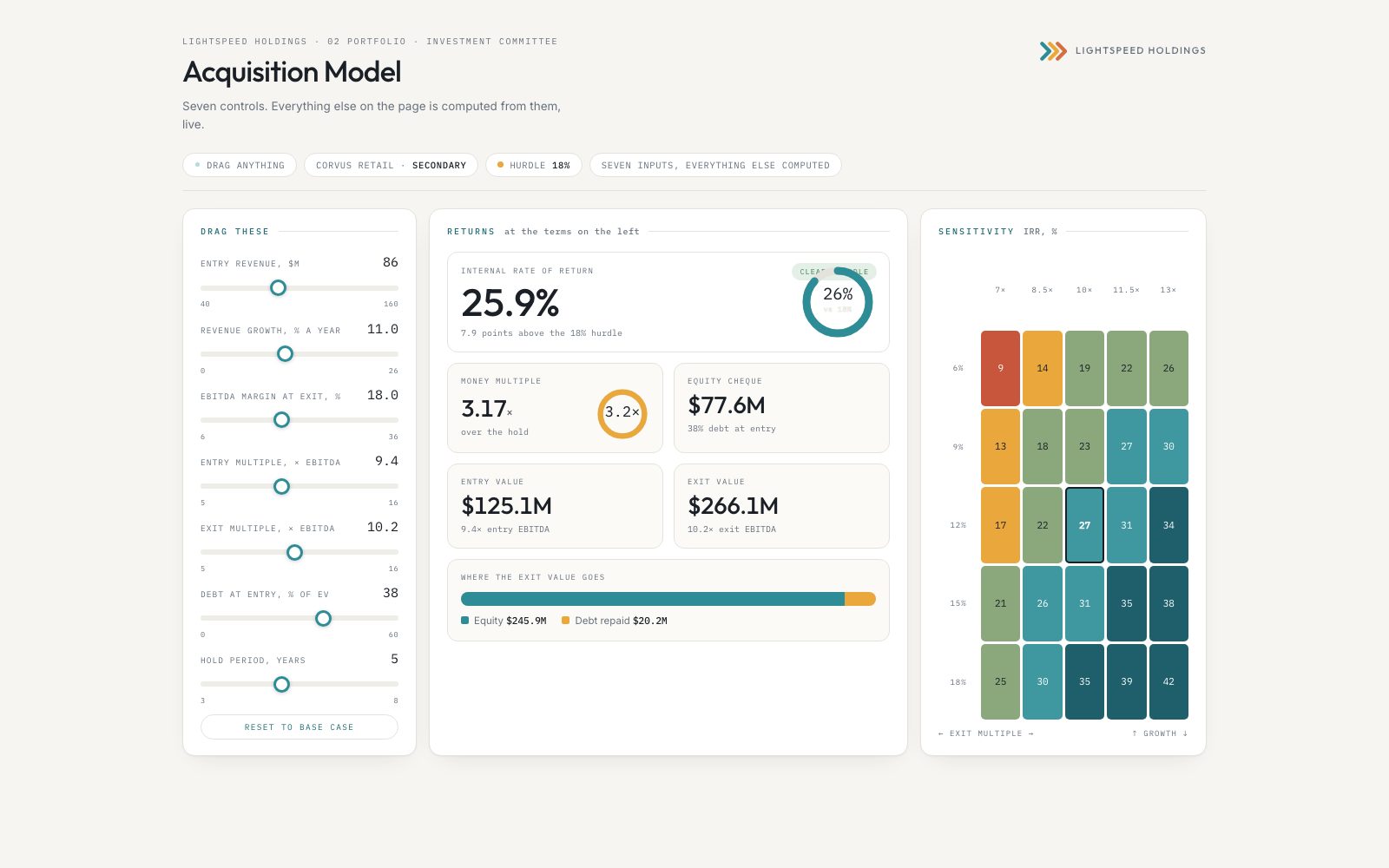
We are certain you will find more use cases, but here are eight ways that we use lite.computer. Start building!
Ask your AI to summarize complex project updates or concepts. Read it in lite.computer, leave notes and comments until you get it right. One pass, no long chat thread.
Before you build or spend on a website, have your AI render the site in lite.computer. Open the pages, click between them, and change them to your heart’s desire before publishing online. Teammates who use lite.computer can open it too, shared through Google Drive or iCloud like any other folder. Leave comments for the changes you want. The lite.computer website was drafted exactly this way.
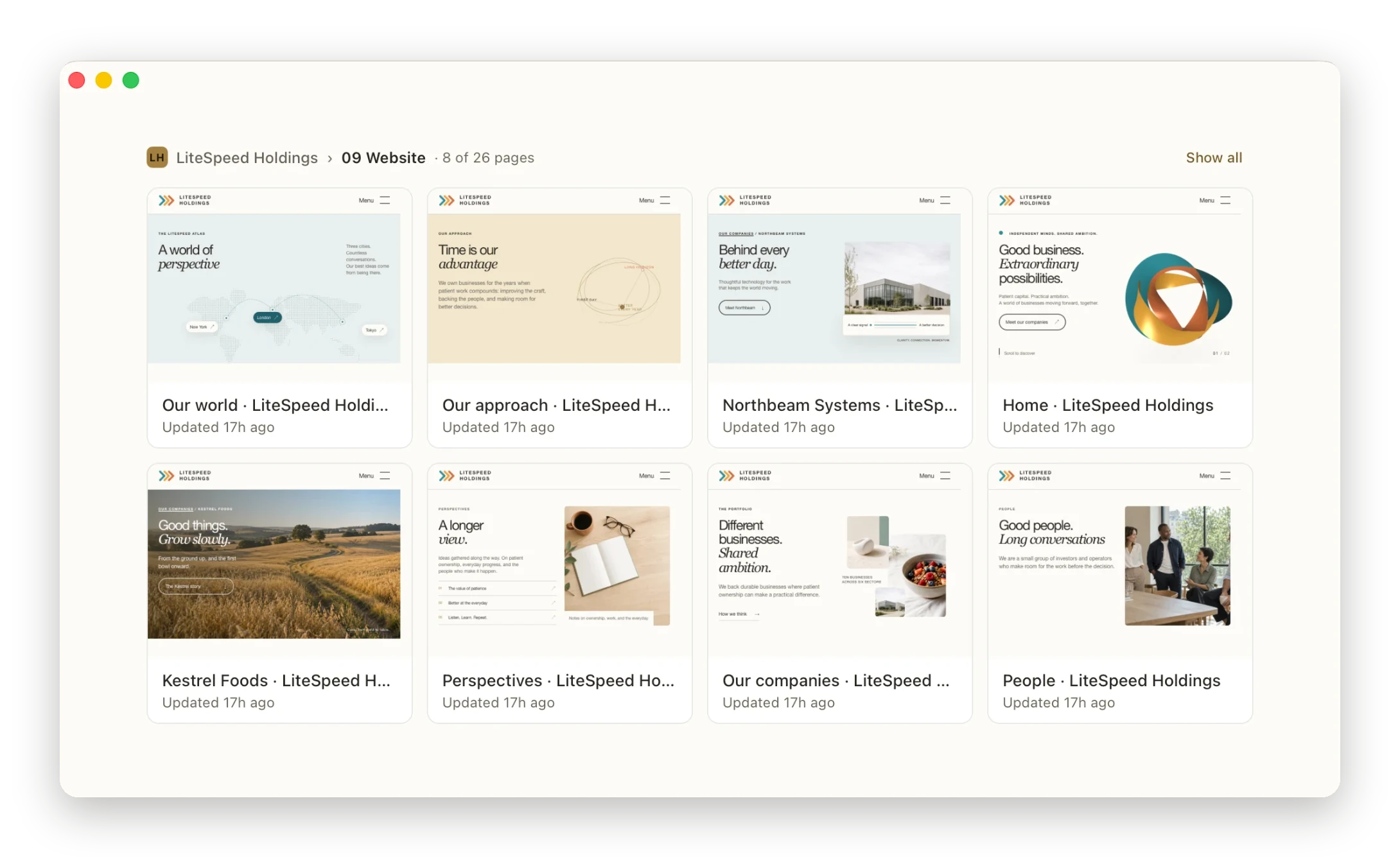
When your AI agent writes a dashboard and updates it on a schedule, lite.computer notices the save and updates the screen. Make a command center that is available anytime, with no spinning up servers, fumbling with limited tabs, or logging on to websites.
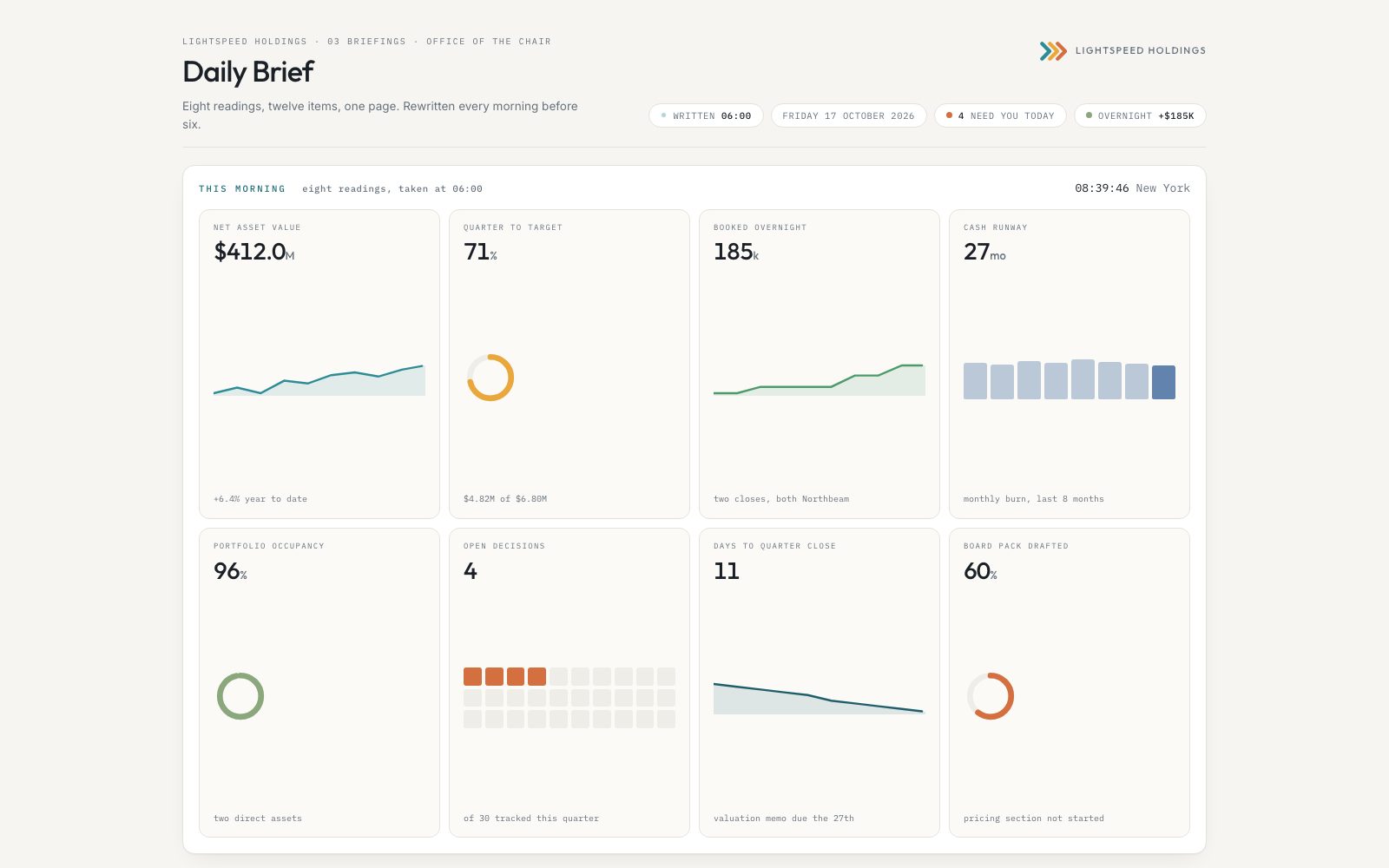
Avoid AI slop. Create a brand guide. Now Claude, Codex and whatever comes next can all use the same colors, fonts and design rules, so you can produce documents in style.
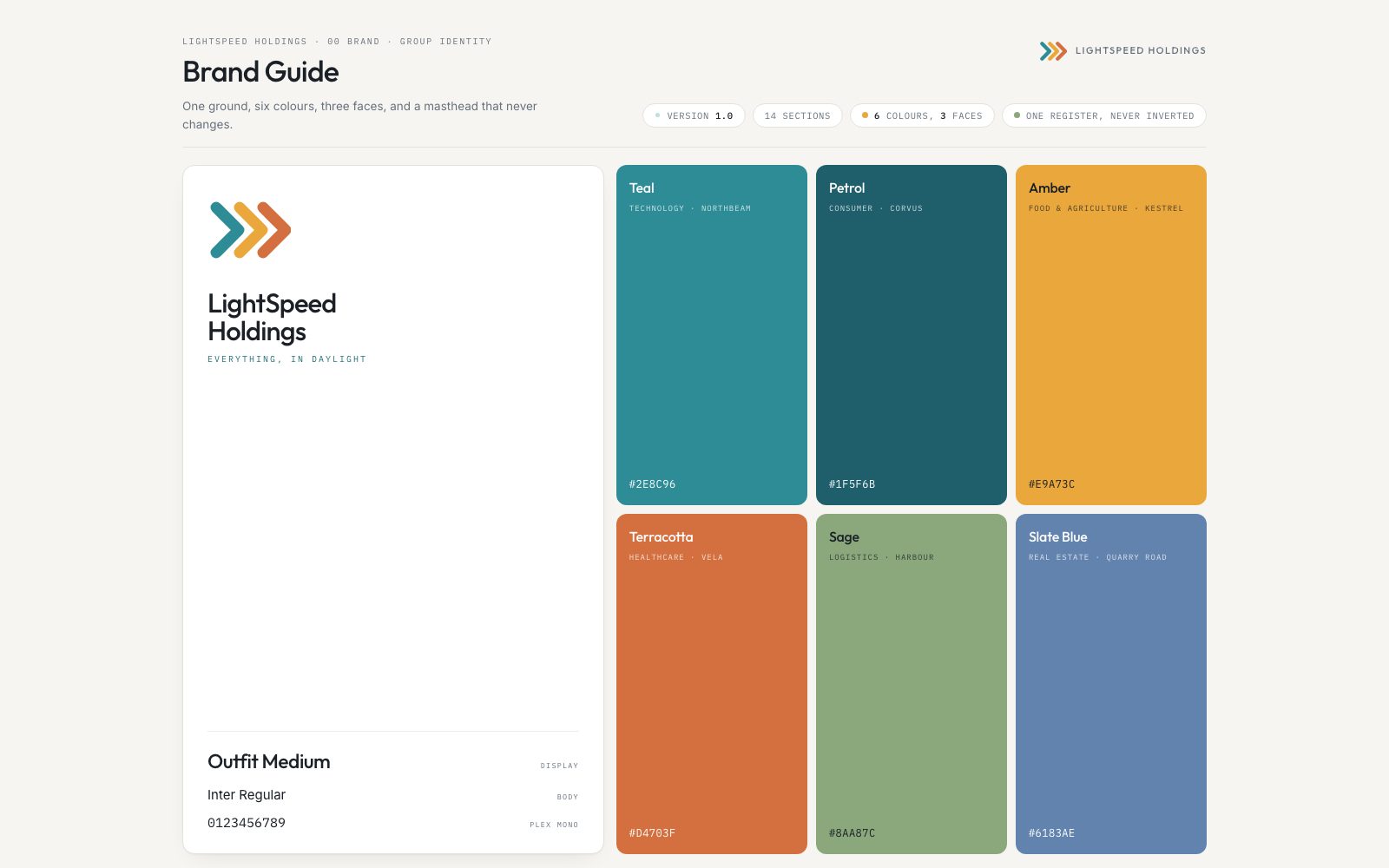
No template limitations. The whole internet is your template studio! Find inspiration and give your AI the materials for your presentation. Add all the elements, transitions or animations you like. Give your AI feedback until it’s perfect. Display it in full-screen presentation mode for everyone to see.

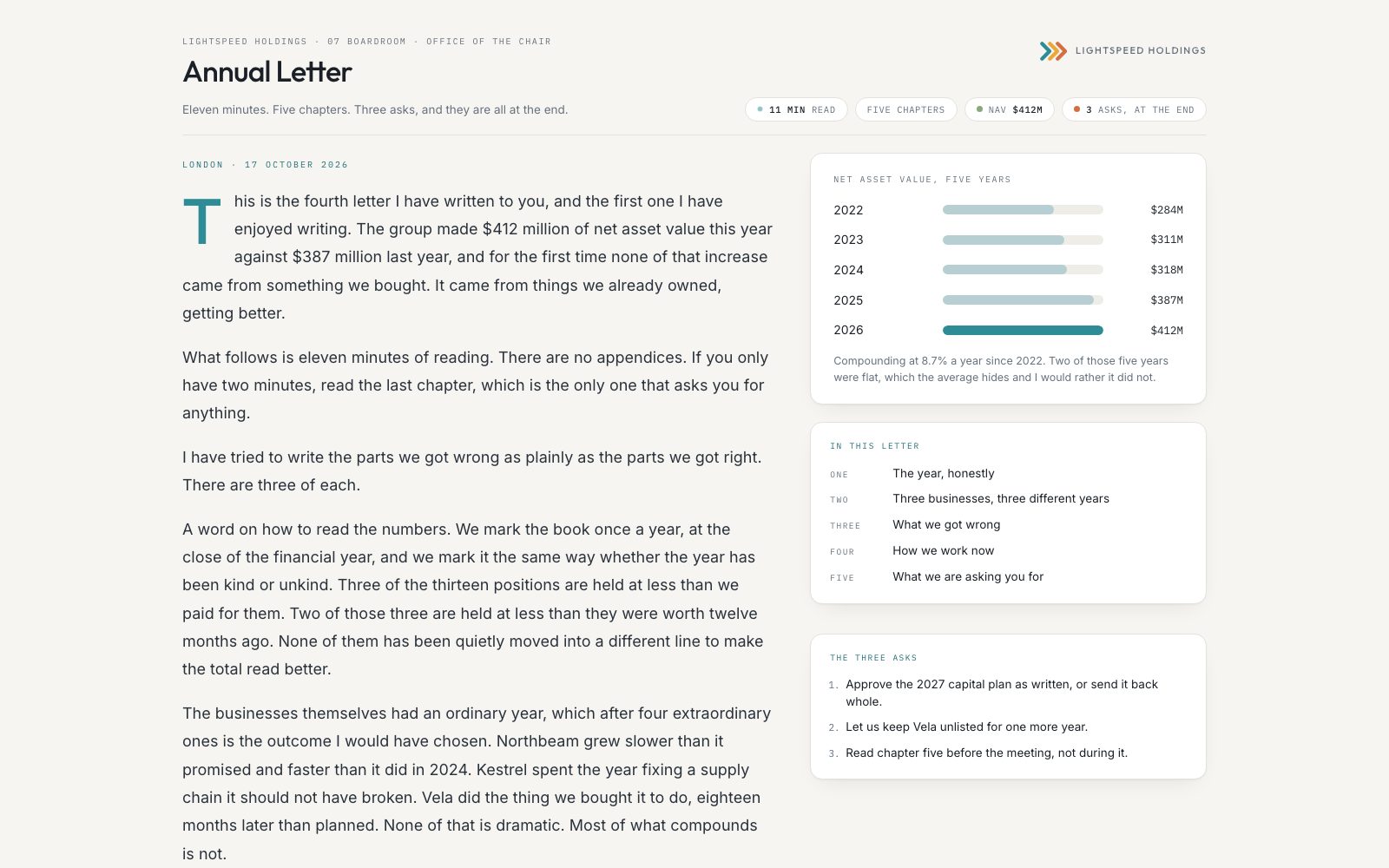
When reading long documents, fatigue is your enemy. Make long documents read like a book, magazine or website. Scroll through pages with ease, ask your AI to add diagrams, infographics and explainers.
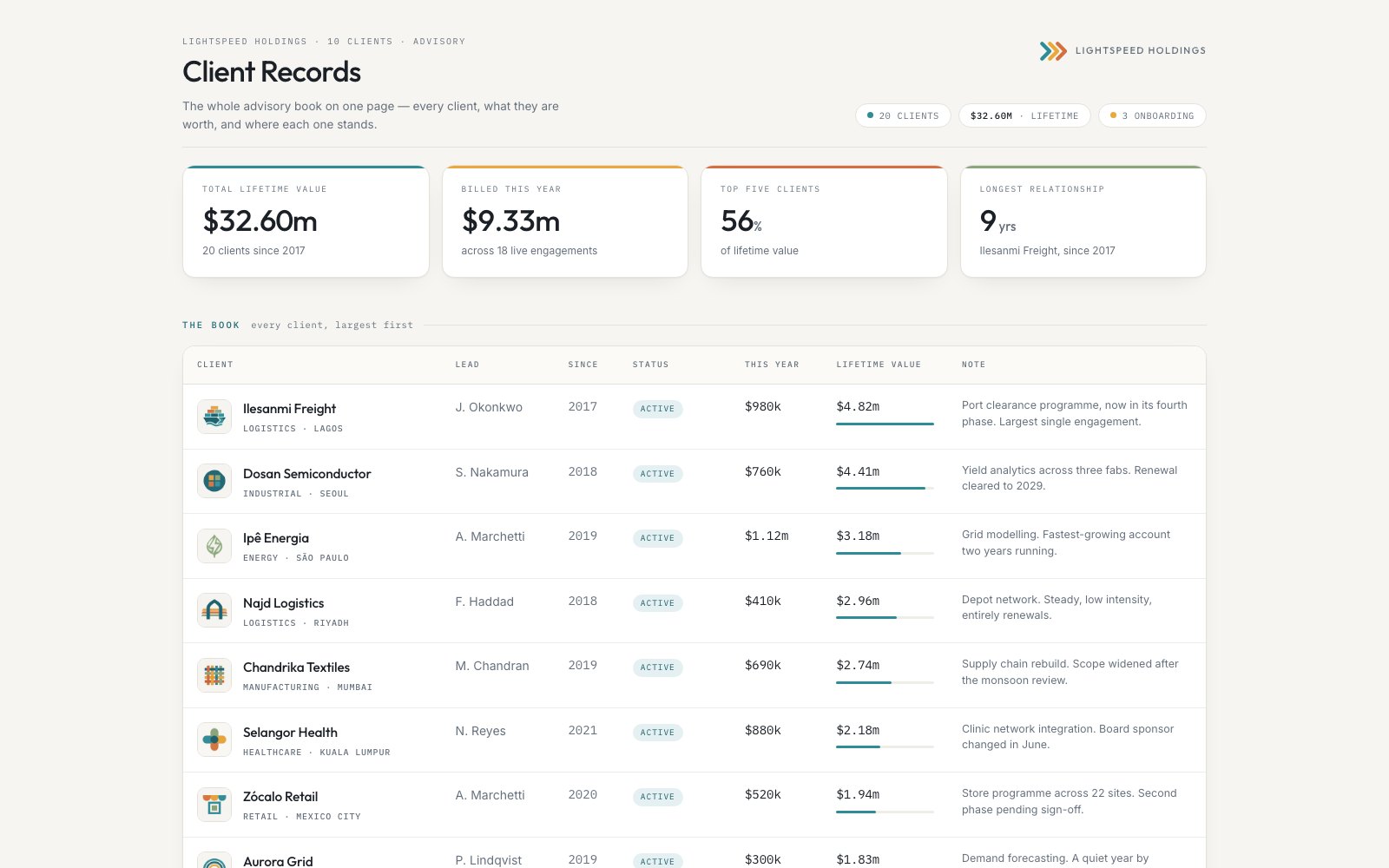
Customer records, an inventory, a catalog, all the boring things that live in a spreadsheet. Ask your AI to turn your spreadsheet into an easy-to-read page, and to update it on a schedule as the spreadsheet changes. Something you will love reading every day.
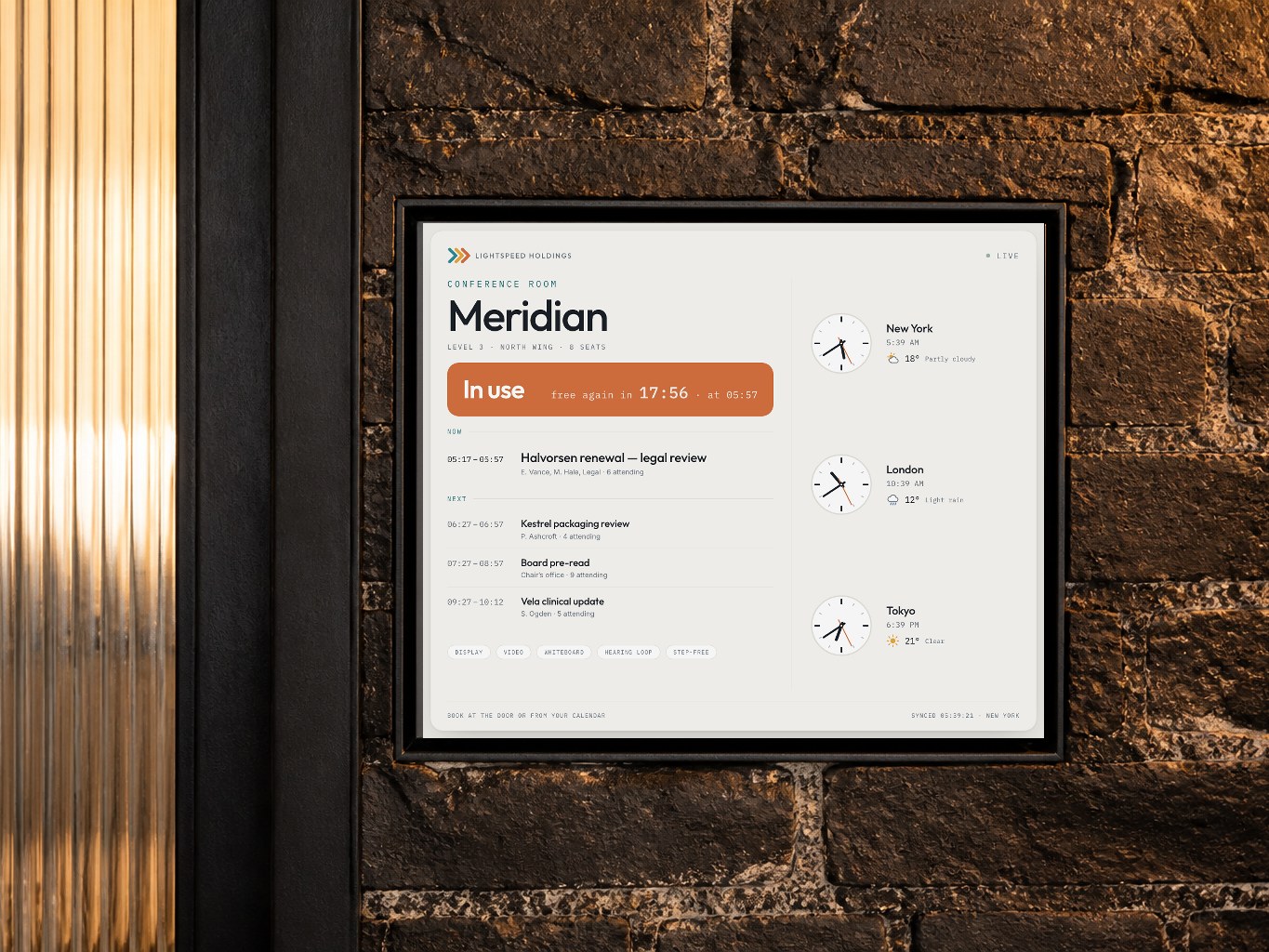
If you already have digital screens around your store or office, make your signs come alive. Take inspiration from signs you have seen, give your AI instructions and display them in full screen. You can place elements that update, or simply have displays that beautify the place. Your imagination is the only limit.

Free for 14 days. The full app, no account, no card.
Mac · Apple Silicon · macOS 14 or later