Organize your work. Display what matters.
lite.computer gives you all the familiar tools to organize the HTML pages your AI creates: folders, tabs, search, a gallery view and a presentation view.
Easy for you, easy for your AI agents.
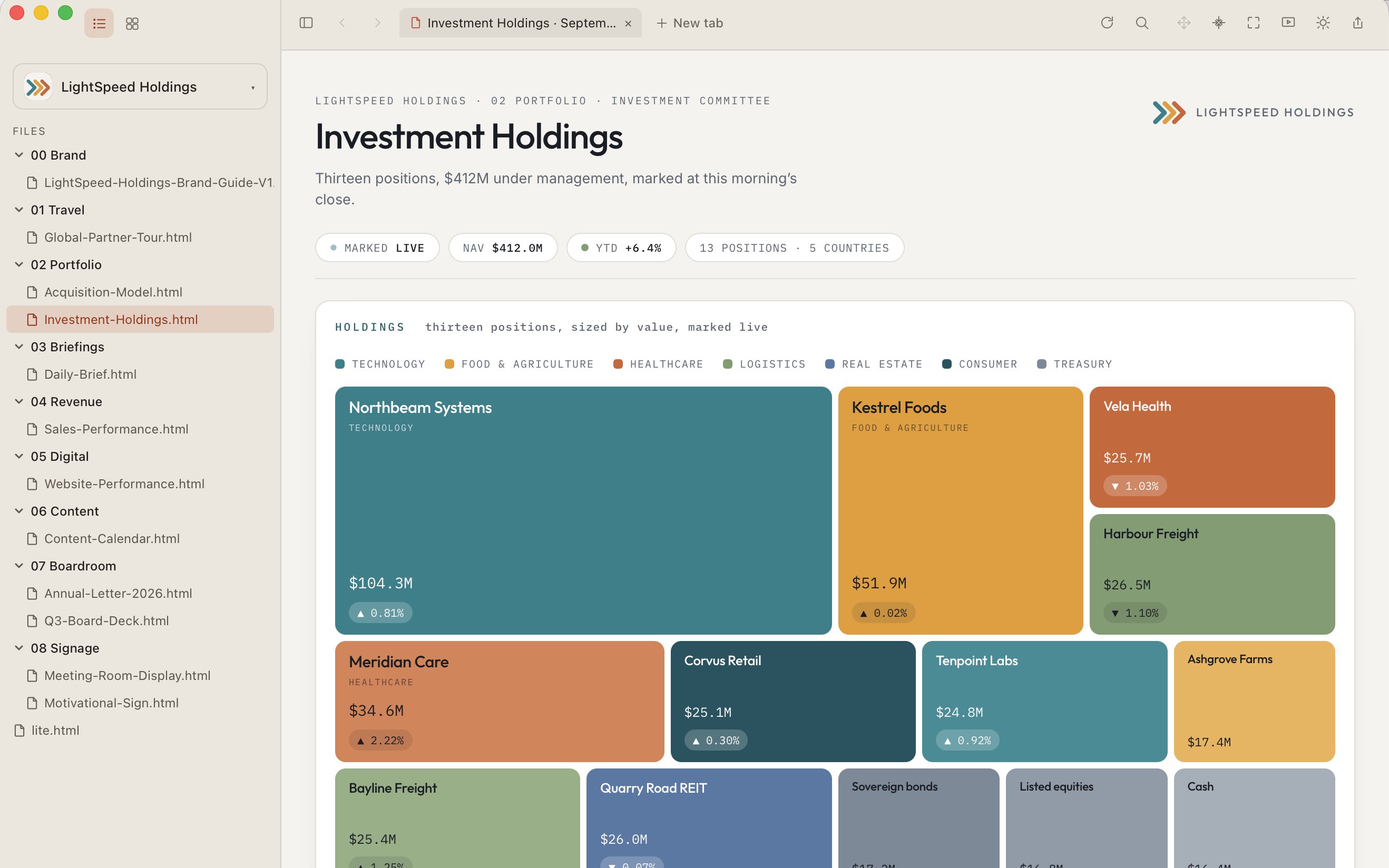
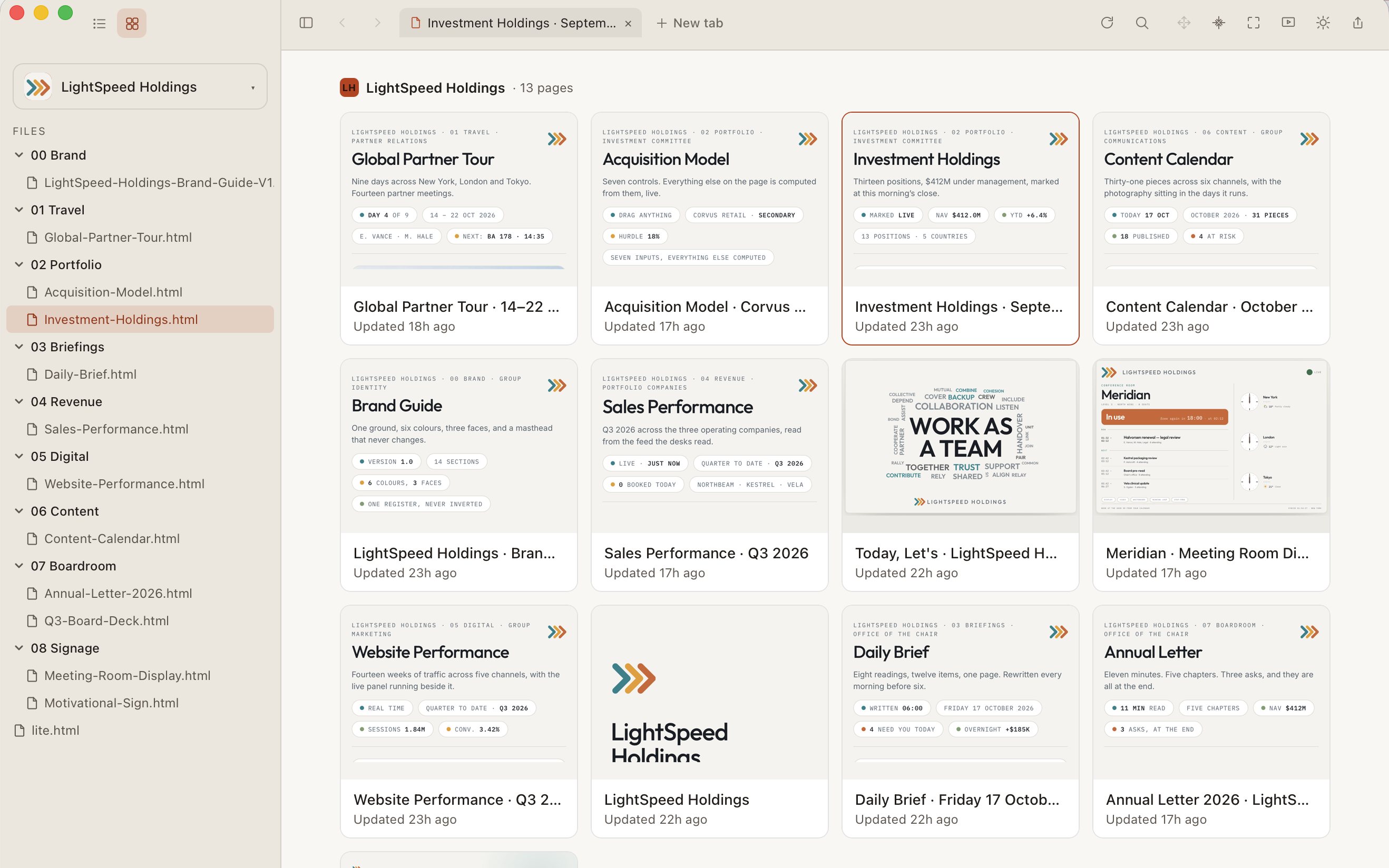
A desktop app to organize and present your AI creations.
From dashboards and reports to designs and decks.
$49 · one payment, no subscription. Coming soon.
Mac · Apple Silicon · macOS 14 or later
Give your AI room to work.
Instead of asking your AI agent for paragraphs, ask for a chart, a website design, a plan you can click through. The shape of the answer is up to you.
Learn about lite.computer. Play video. Turn up volume.
Traditional wayLost somewhere in an old chat
lite.computer waySaved where you can find
and open it easily
Traditional wayLocked inside the AI that made it
lite.computer wayPortable. Works with any AI that can save files
Traditional wayScattered across folders and AI apps
lite.computer wayOne filing system
that’s simple to navigate
lite.computer gives you all the familiar tools to organize the HTML pages your AI creates: folders, tabs, search, a gallery view and a presentation view.
Easy for you, easy for your AI agents.
We run Claude Code, Codex and a few others all day, across two businesses, and always thought there had to be an easier way.
So we solved it in three simple steps.
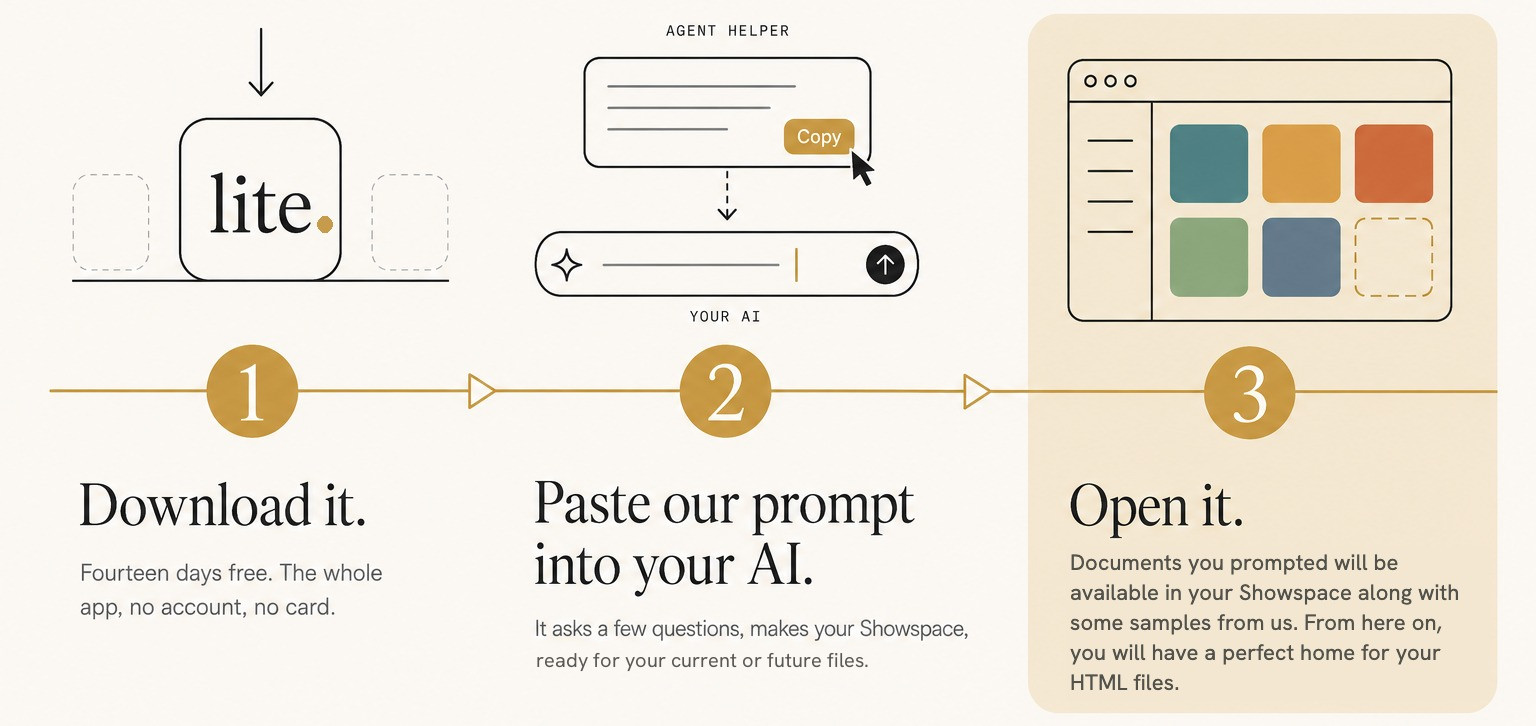
lite.computer works with any AI that can save a file into your folder.
You and your AI can finally communicate through a tool that should have always been there. When your work is rendered properly in an app of its own, instead of four hundred messages up a thread, you can start asking for more ambitious work.
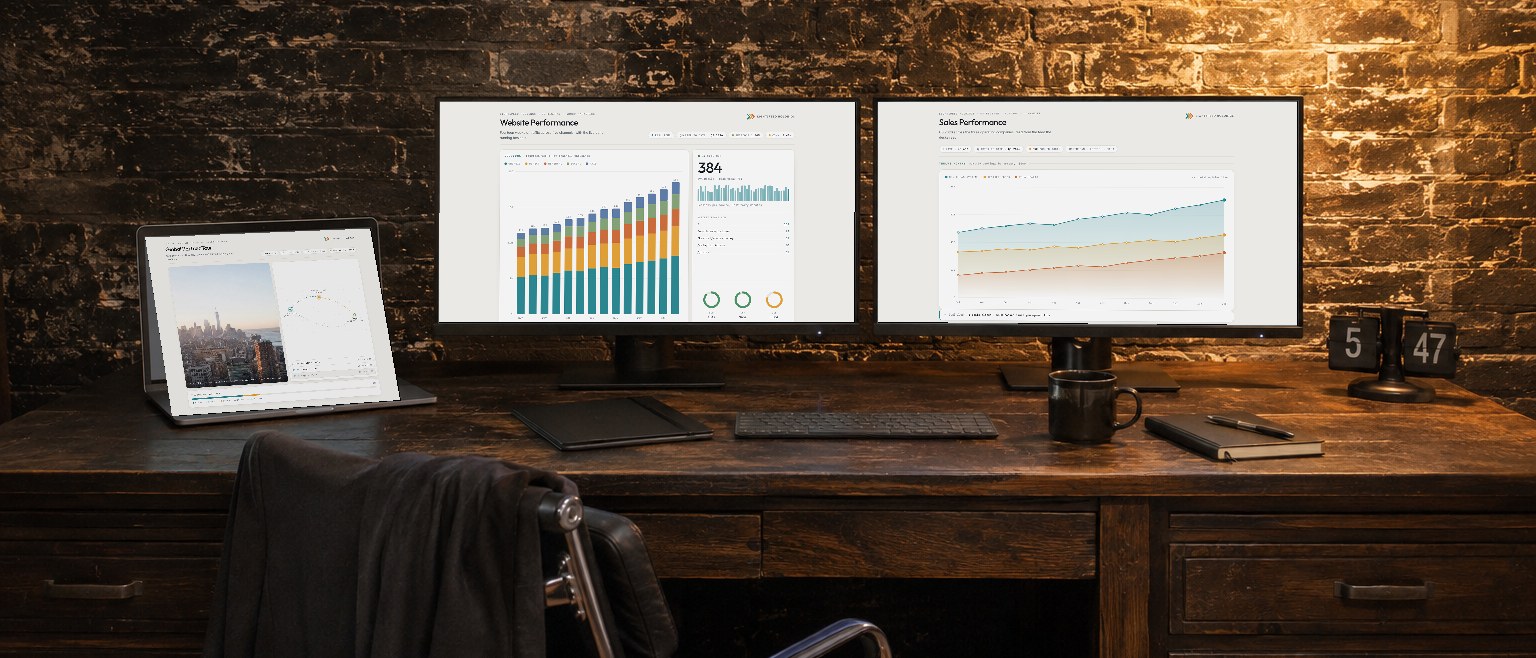
Our Explode function detects your screen capacity and distributes your pages into full screen windows.
You keep your file folder, so if you ever stop using lite.computer (we can't imagine why), every page still opens the traditional way.
A home for your AI creations.
Join the waitlist$49 · one payment, no subscription. Coming soon.
Mac · Apple Silicon · macOS 14 or later