Each Showspace carries its own colors, so a work folder and a personal one can look different from each other.
To choose them, click the account button at the bottom of the sidebar, choose Settings…, and pick a color family under This Showspace, which names the Showspace you have open. See Settings.
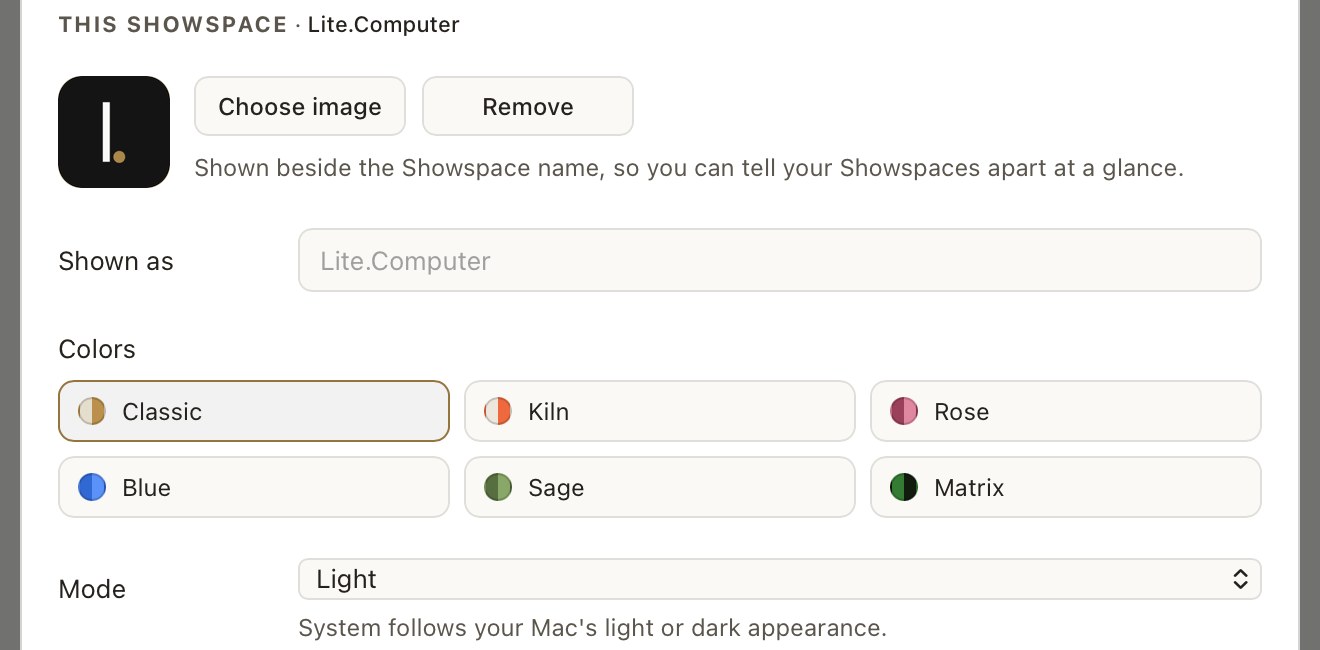
There are six families: Classic, Kiln, Rose, Blue, Sage and Matrix. Each has a day version and a night version.
Under Mode, choose which version shows. System follows your Mac's light or dark appearance. Light keeps the day version, and Dark keeps the night version.
For example, a Blue Showspace set to System is light blue during the day, and switches to Blue Night when your Mac turns dark in the evening.
The light and dark button in the top bar switches to the other version straight away, and sets Mode to Light or Dark.
Your agent can ask the app which colors a Showspace uses and write pages to suit them. Ask for that before it writes, and a new page arrives looking like it belongs beside the others.
Still stuck? Write to support@lite.computer.