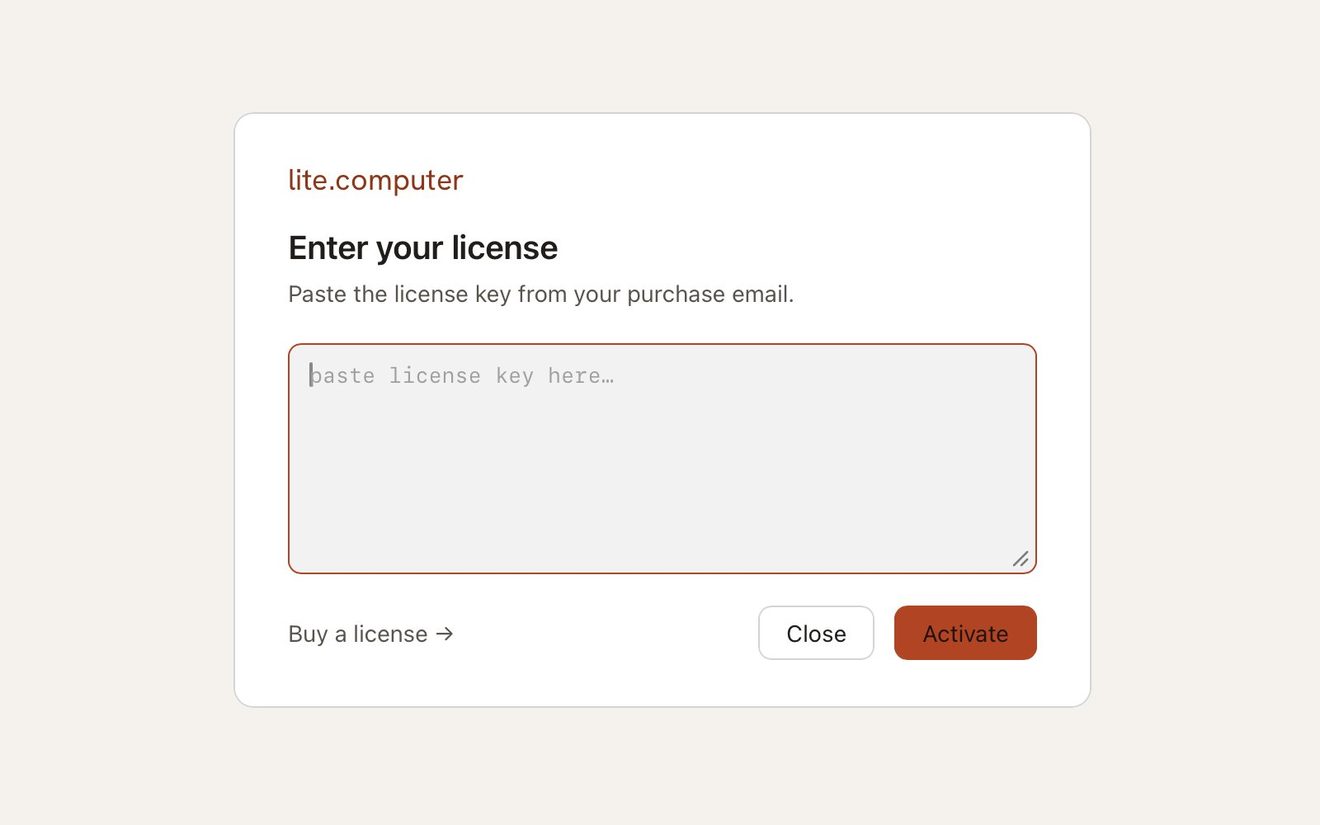
Click the account button at the bottom of the sidebar and choose Activate license…. Paste your key into the box and click Activate.
If your trial has ended, the app opens on a license screen with the same box. Paste your key there and click Activate.
On a copy that is already licensed, choose Settings… from the same button and click Manage beside License.
Once your key is accepted, the app is licensed on this Mac.
After activation the license sheet becomes a statement rather than a form: who it is licensed to, a short license number in the form LITE-XXXX-XXXX-XXXX, when it was issued, and its term, a Lifetime License.
If the key is refused, copy it again from the email and take the whole block. The app strips spaces and line breaks, so a key that was wrapped across several lines in your mail client is fine.
Still stuck? Write to support@lite.computer.